Claude Lessons / Guides
Claude Code Context Management: How to Control What It Remembers
Claude Code doesn't have memory in the human sense — it has a context window that fills up, gets
summarized, and eventually gets wiped, whether you plan for that or not. Most "memory" advice stops at
"write a good CLAUDE.md." That's one layer. This guide covers the whole stack: what's actually in the
context window, how CLAUDE.md, /compact, /clear, subagents, and hooks interact,
and the practical habit — keep durable state in files, not conversation — that keeps long sessions from
quietly degrading.
Why context management is a real problem, not a nice-to-have
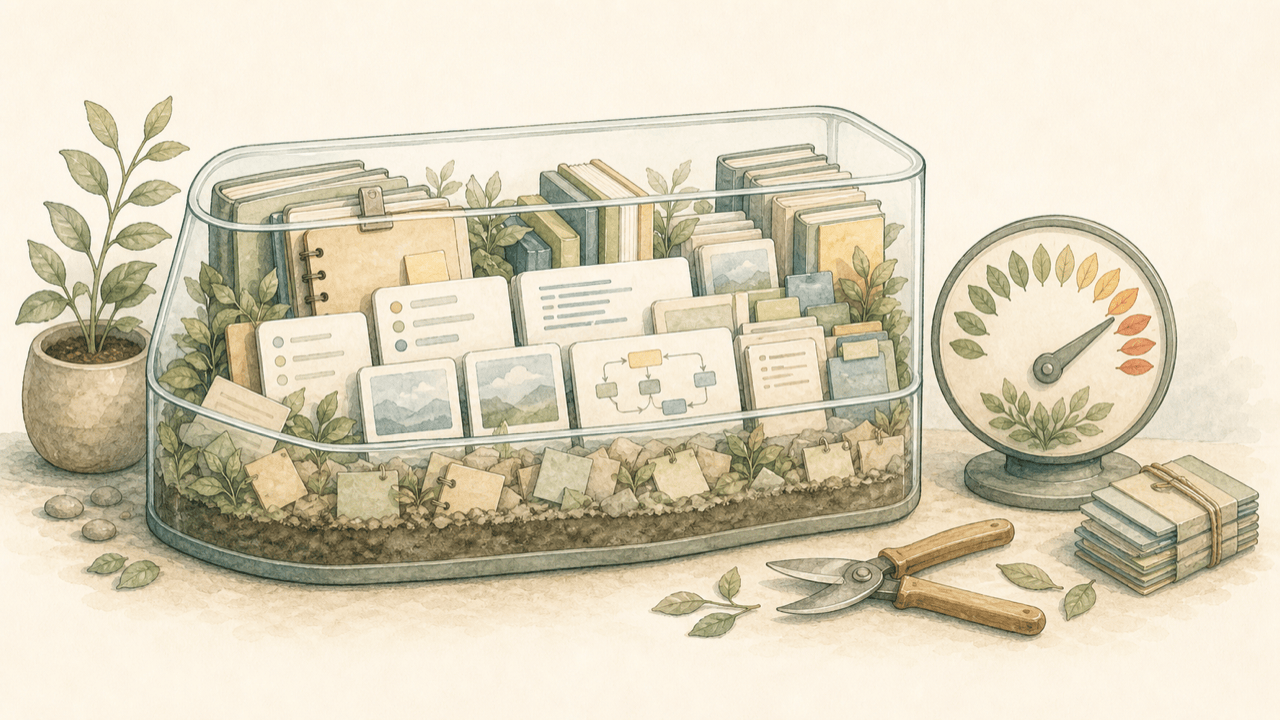
Every message, file read, tool result, and line of CLAUDE.md shares one finite budget. Long sessions fill that budget, and once you're near the limit Claude Code automatically compacts — summarizing the conversation to make room. Summaries are lossy by definition: specific numbers, exact file paths, and the reasoning behind a decision three turns ago don't always survive the compression. If you've noticed Claude Code "forgetting" something you told it an hour into a session, this is usually why, not a model getting dumber.
The fix isn't "use a bigger context window" — it's controlling what's in the window at all, so the model is reasoning over what matters instead of scrolling through everything that's happened.
What's actually in the context window
On every turn, Claude Code's context is built from, roughly, in order of how static they are:
| Layer | Refreshes | Controlled by |
|---|---|---|
| System prompt + tool definitions | Fixed per session | Claude Code itself |
| CLAUDE.md files (root + nested + imports) | Re-read at session start | You, in the repo |
| Conversation history | Grows every turn; summarized on compaction | /compact, /clear, auto-compact |
| Tool results (file contents, command output) | Added per tool call | What you ask Claude to read/run |
| Connected MCP tool definitions | Fixed per session | Which servers you have connected |
Notice the two you actually control day to day are CLAUDE.md content and what you ask Claude to read — the biggest single context cost in most sessions is pasting or reading large files that only mattered for one step and then sit in history for the rest of the session.
Layer 1: CLAUDE.md and @imports
CLAUDE.md is the one layer that's re-read fresh every session, so it's the closest thing Claude Code has to persistent memory. Keep it short — see our full CLAUDE.md best practices guide for how to write one that earns its context budget. Two things specific to memory management:
-
@path/to/fileimports. Instead of pasting a long convention doc into CLAUDE.md, reference it:See @docs/api-conventions.md for endpoint patterns.Claude Code loads the imported file into context only when relevant, rather than on every single session. -
/memoryto edit fast. Run/memoryinside a session to open the active CLAUDE.md file directly, add a rule you just learned you needed, and save — no context-switching to a separate editor.
Layer 2: /compact and /clear
These are your two manual levers, and they do different things:
| Command | What it does | When to use it |
|---|---|---|
/compact | Summarizes history so far, keeps working | Context getting full mid-task; you need continuity |
/compact <instructions> | Summarizes with guidance on what to keep | You know exactly what matters going forward — pass it explicitly |
/clear | Wipes conversation, keeps CLAUDE.md | Starting an unrelated task in the same repo |
| Auto-compact | Same as /compact, triggered automatically near the limit | Happens whether you plan for it or not — better to compact deliberately first |
The practical rule: don't wait for auto-compact to trigger mid-thought. If you can feel a task wrapping
up, /compact or /clear on your terms, at a clean boundary, rather than letting it
happen in the middle of a multi-step edit.
Practice the habit, not just the commands
Claude Lessons has a free interactive lesson on managing the context window — read the failure modes, then practice the compact/clear/delegate decisions in a simulated Claude Code workspace.
Start the free interactive lessonsLayer 3: subagents as context isolation
The most underused context management tool isn't a slash command — it's subagents. A subagent runs in its own context window: it doesn't inherit your main conversation, and when it finishes, only its final result comes back — not every file it read or command it ran along the way to get there.
That makes subagents the right move for anything that would otherwise burn a lot of context for a small payoff: searching a large codebase for one answer, running a big investigation, reviewing a diff. Delegate it, get the summary back, and your main session's context stays exactly as clean as it was before.
Layer 4: hooks that manage memory
Two hook events are specifically about memory, covered in depth in our hooks guide:
-
PreCompact— fires right before compaction happens. Use it to write anything irreplaceable (current plan, key decisions) to a file first, so it survives the summary even if the summary drops it. -
SessionStartwith matchercompact— fires right after compaction, letting you re-inject reminders ("we're using pnpm, not npm") that are cheap to restate but expensive to have silently drop out of a summarized history.
The practical workflow: state lives in files
The single habit that matters more than any command: treat conversation history as a scratchpad, not a
database. Anything you'd be upset to lose belongs on disk, because disk survives /clear,
/compact, a crashed terminal, and tomorrow morning — conversation history survives none of
those reliably.
- Plans — write them to a markdown file (
PLAN.md, a scratch file, a GitHub issue) before starting multi-step work, not just in the chat. - Decisions — a one-line note in a commit message or CLAUDE.md beats "Claude will remember why we did it this way."
- Progress on long tasks — a checklist file Claude updates as it goes means a
/clearor a fresh session the next day can pick up exactly where it left off, by reading the file instead of needing the old conversation.
This is also why claude --continue and claude --resume exist as a second, weaker
layer — they reload a specific past session's history verbatim. Useful for picking a conversation back up,
but they don't replace files as the source of truth for anything you're actually relying on later.
Common mistakes
- Running one session for days. Context accumulates faster than most people notice; a session that's handled six unrelated tasks is carrying baggage from all six into the seventh.
- Pasting huge files "just in case." If Claude needs a file, let it read the file with a tool call — that's the same context cost either way, but you avoid pasting stale copies that drift from disk.
- Treating /compact as free. It's cheap, not free — repeated compaction over a very long session compounds detail loss. Better to split unrelated work into separate sessions than compact the same session five times.
- Not using subagents for exploration. "Search the codebase for every place X is used" run directly in the main session leaves every file it opened sitting in your context afterward — delegate it.
FAQ
Does Claude Code remember previous sessions?
Not by default. Each new session starts with an empty conversation — the only things carried forward
automatically are CLAUDE.md files, which are re-read fresh every time. To resume a specific past
conversation, use claude --continue or claude --resume, which reloads that
session's history.
What's the difference between /compact and /clear?
/compact summarizes the conversation so far into a shorter form and keeps going — you lose
detail but keep continuity. /clear wipes the conversation entirely and starts fresh, keeping
only CLAUDE.md. Use /compact mid-task when context is getting full but you need what happened
so far; use /clear between unrelated tasks.
Why does Claude Code get worse in long sessions?
As the conversation grows, everything in it — including earlier instructions and CLAUDE.md rules — competes for attention with everything that happened since. Once auto-compaction kicks in near the context limit, you also lose fidelity: a summary is not the same as the original detail. Long sessions on a single task tend to drift; splitting work into focused sessions, or delegating side-quests to subagents, keeps the working context smaller and sharper.
Do subagents share context with the main session?
No. A subagent gets its own context window, starts clean except for the task you hand it, and returns only a final result to the coordinating session — its intermediate work (files it read, commands it ran) doesn't consume the main session's context. That isolation is why subagents are a context management tool, not just a delegation tool.
Where should I keep information I don't want to lose to compaction?
In files, not conversation. A plan written to a markdown file, decisions logged in a commit message,
progress tracked in a TODO file — all of that survives /clear, /compact, and
session restarts, because Claude Code re-reads files from disk. Conversation history is lossy by nature;
the filesystem is not.
Build the habit before a long session costs you
Claude Lessons has 38 free interactive lessons, including hands-on practice managing context, writing durable plans, and recovering cleanly from drift — in a simulated Claude Code workspace.
Practice hands-on in the free interactive lessons